Instagram Carousel Design That Stops the Scroll
Short answer: slide one makes a bold promise, every slide delivers one idea, and the design stays consistent enough that swiping feels effortless. A carousel earns saves and shares only when the first slide earns the swipe.
Single photos get liked and forgotten. Carousels get saved, shared, and re-read — Instagram shows them to the same person twice, which is free reach most brands ignore. But a carousel is a story, not a pile of slides. Here is how to structure one that people actually finish.
Slide 1: The Hook (Earn the Swipe)
One bold statement, one clear promise. "5 mistakes" beats "Tips for your business" because it tells the viewer exactly what they'll get. Big type, high contrast, and — this matters — don't give the answer away on slide one. Curiosity is what moves the thumb.
Slides 2–8: One Idea Per Slide
Each slide should make exactly one point, in as few words as possible. If a slide needs a paragraph, split it. Number your slides ("3/10") so readers feel progress. Use the same fonts, colours, and margins on every slide — consistency is what makes a carousel feel professional instead of patched together.
The Last Slide: Ask for One Thing
Save, share, follow, comment — pick ONE call to action. Asking for all four gets you none of them. "Save this for later" works best for educational carousels, because saves are the strongest signal Instagram reads.
Design Rules That Matter
- Portrait 4:5 (1080 × 1350): bigger on screen, longer attention.
- One accent colour: champagne gold on charcoal, for example — memorable without shouting.
- Generous margins: text must never touch the edges; Instagram crops unpredictably.
- Real photos beat stock: one genuine photo on the cover outperforms five generic ones.
What to Post as Carousels
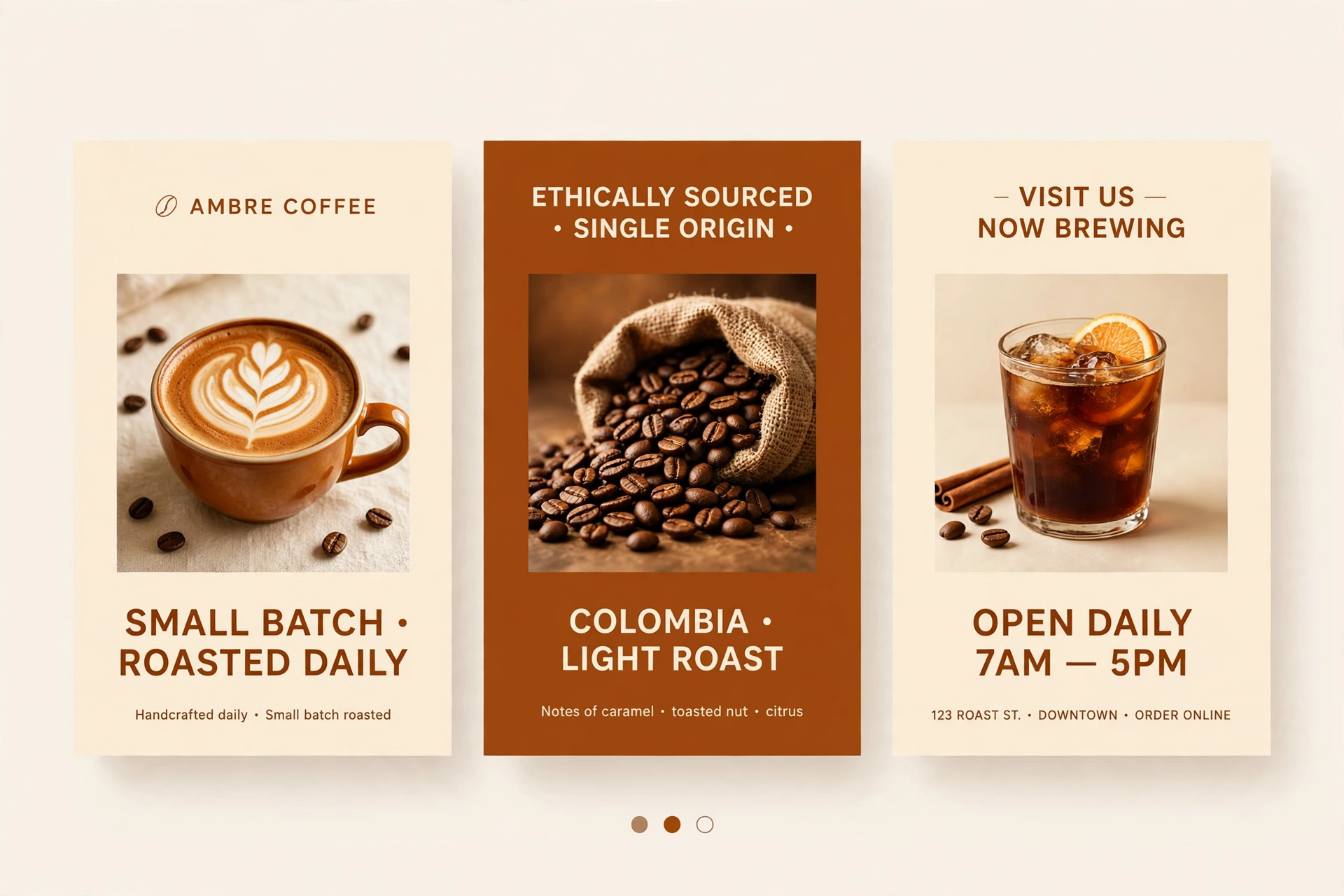
Step-by-step guides, before/after transformations, mistake lists, mini case studies, and myth-vs-fact formats all perform well. If your topic can be a checklist, it can be a carousel. The design in this article's cover — a coffee brand told across three panels — is the same approach: one story, one panel at a time.
How MJS Design Lab Builds Carousels
I design carousel kits as complete systems: cover, content slides, and CTA slide in your brand's fonts and colours, so every post looks like it came from the same studio — because it did. Social media graphics packs start from $40, and every project comes with a 100% satisfaction guarantee.
Frequently Asked Questions
How many slides should a carousel have?
Seven to ten for educational posts: hook, value slides, one call to action.
What size should carousel slides be?
1080 × 1350 pixels (4:5 portrait).
How much does carousel design cost?
From $25 at MJS Design Lab, with a 100% satisfaction guarantee.
Start your project today
One slide designed for your brand — see it before you pay.
Order Social Graphics → WhatsApp →
Muntaha Shaikh
Founder, MJS Design Lab — IT Support Specialist & Creative Technologist
8+ years in IT support and 10 years in design. Every project comes with a 100% satisfaction guarantee · 24–48h delivery · unlimited revisions.